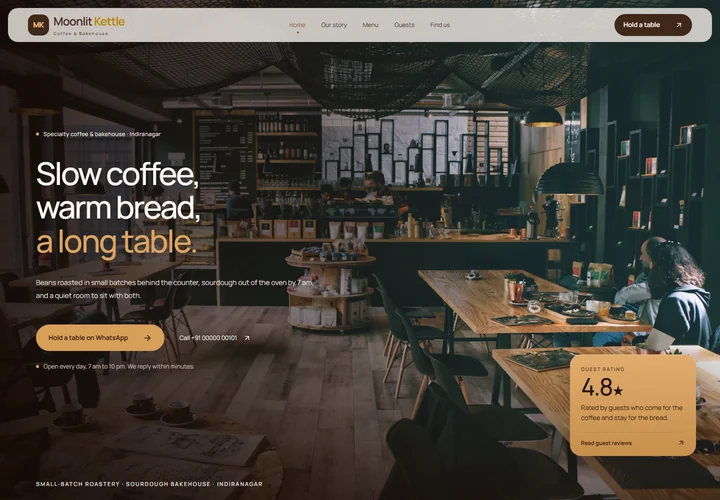

Before sharing your website, give it one careful look through the eyes of a customer. You do not need a technical checklist to catch the details that matter most.
Check the everyday details
Read your business name, email address, phone number, location, and opening hours carefully. Check that service descriptions match what you currently offer.
Remove any placeholder text or sample reviews that could be mistaken for real information. Make sure example pictures and project descriptions have the right context.
Open it on your phone
Look at the whole page on a smaller screen. Headings should be readable, images should show the useful part of the picture, and buttons should have room around them.
Check a few different pages rather than only the homepage. Open the menu, browse an example, read a guide, and find the contact details. If you need to turn your phone sideways to read ordinary text, something needs attention.
Follow every important link
Tap the main buttons and check where they lead. Try the email link. Open any example designs. If a form is live, test that a message actually arrives and that the confirmation describes the result accurately.
If a feature is still a demonstration, label it clearly. Do not invite customers to rely on a booking or payment step before it is ready to work.
Agree what launch includes
Before you approve a website, understand the agreed work, the price, the domain arrangements, and any support included afterwards. Ask about changes you may want to make later.
Once the website is ready, add the link wherever customers already look for you: your social profiles, business messages, or printed material. Keep reviewing it when your services or contact details change.